I am one of several Chris Shattucks. This little blurb exists to disambiguate us so that I do not inadvertently influence the repute of the others, for whom I hold no ill will.
This Chris Shattuck is perhaps best known as an online video tutorial creator who recorded over 2000 videos on developing web sites with a piece of software called Drupal. That site is BuildAModule.com, though the videos have now been released for free on YouTube and the site has been mostly taken down to release me from the burden of maintaining it. My hope is that this move will free me to focus on other things that seem more important at this stage of living.
I've done other things, too.
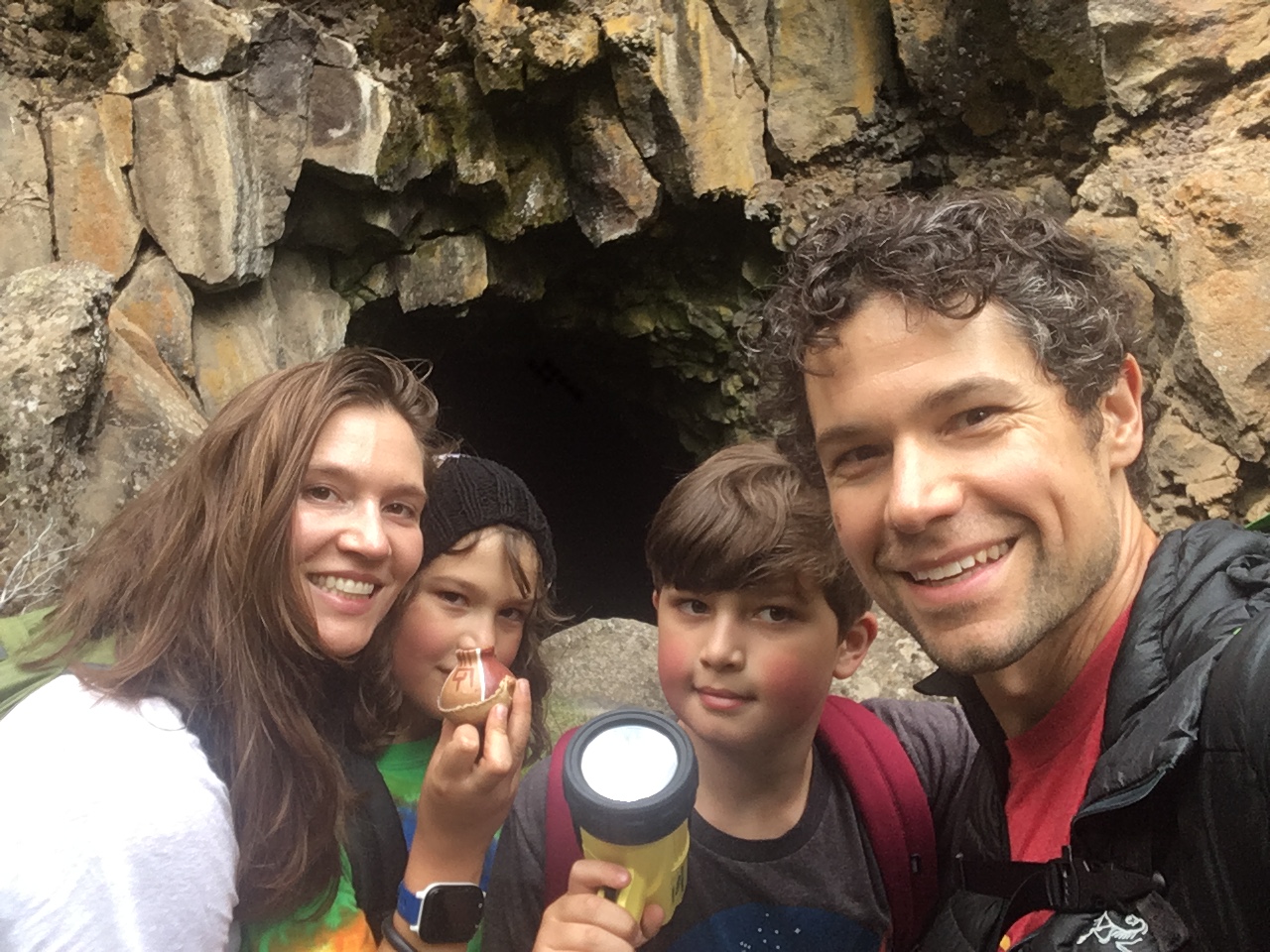
I am currently raising two boys in an unschooling environment, along with my beautiful wife, cat, and rats. In a couple years it will probably be just my wife and cat, since rats don't live very long.
I'm working hard to figure out how to optimize the years I have left on this planet. Living is complicated! But what a beautiful world. There are plants to grow, arguments with teenagers to have, food to make for the people I love, stuff like that. Eventually I may jump back into the wild stream of work-for-pay, but for now I am enjoying the opportunity to focus on fatherhood and partner-hood.
Feel free to say hello anytime. I'm here for now!